

Hey, Ordering guest posts on BloggerOutreach is a few steps away!
All you need to do is go to the home page of Bloggerutreach.
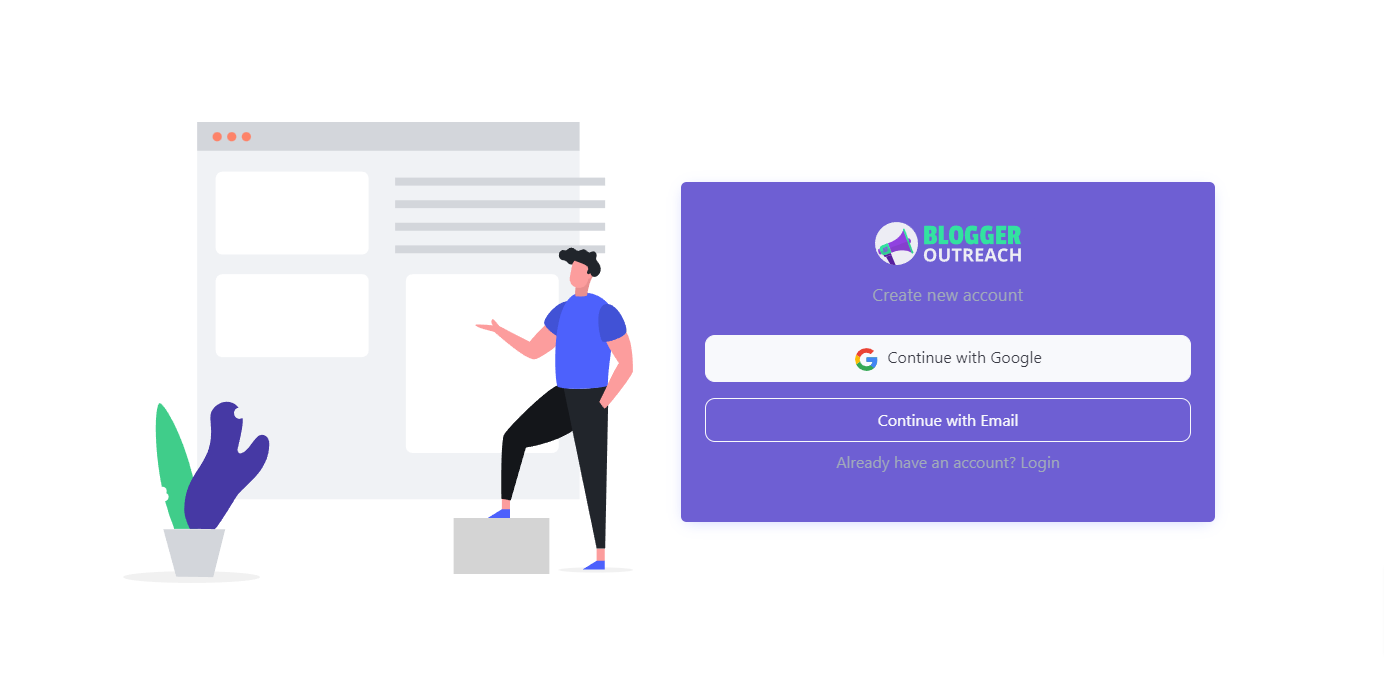
If this is your first time using our services, click on ‘Register.’
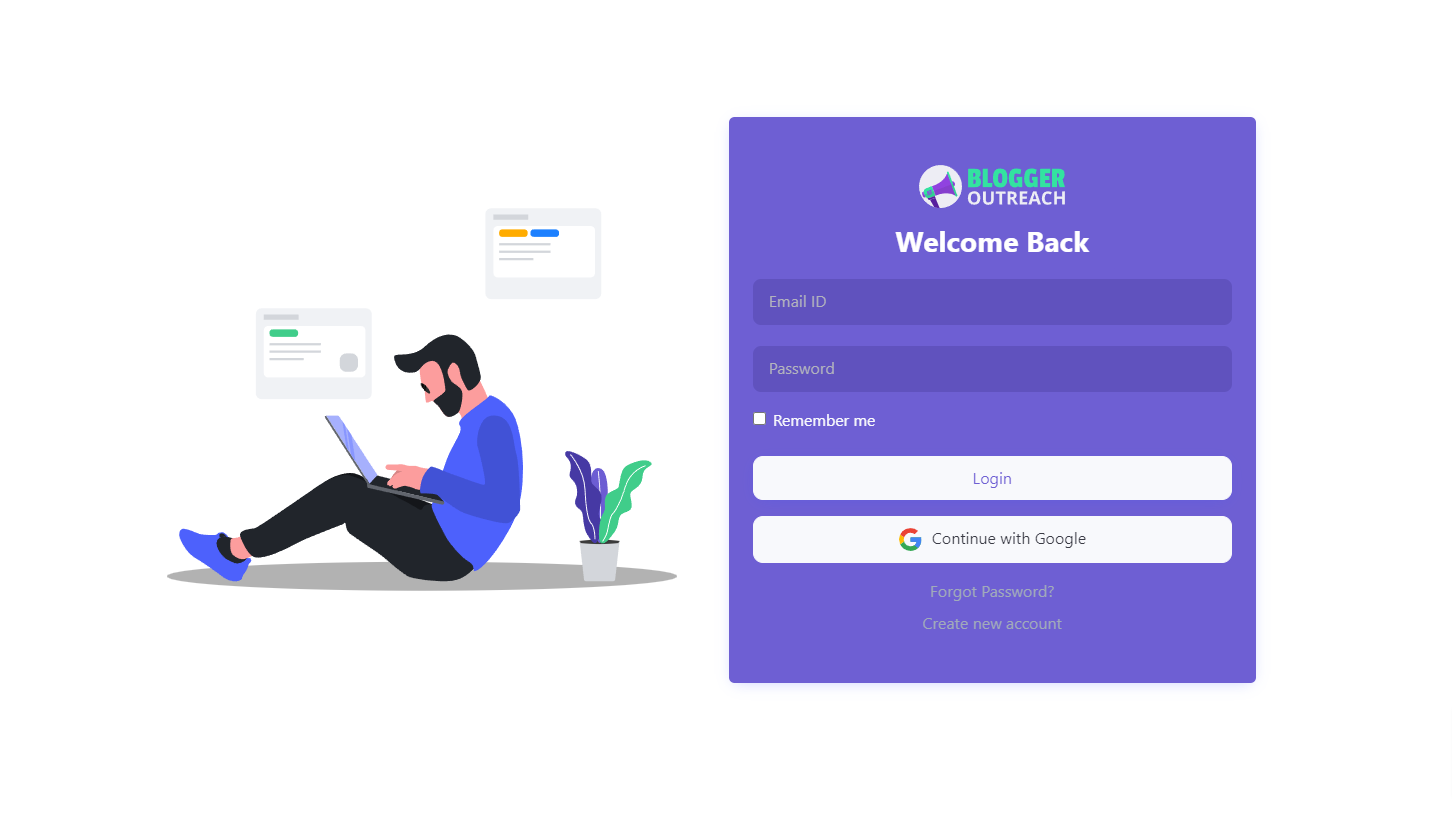
If you already registered with us, click on ‘Login’.
Next, on the left-hand menu, click on ‘Explore Sites’. Basically, we have created this to assist you in finding the best website for your needs.
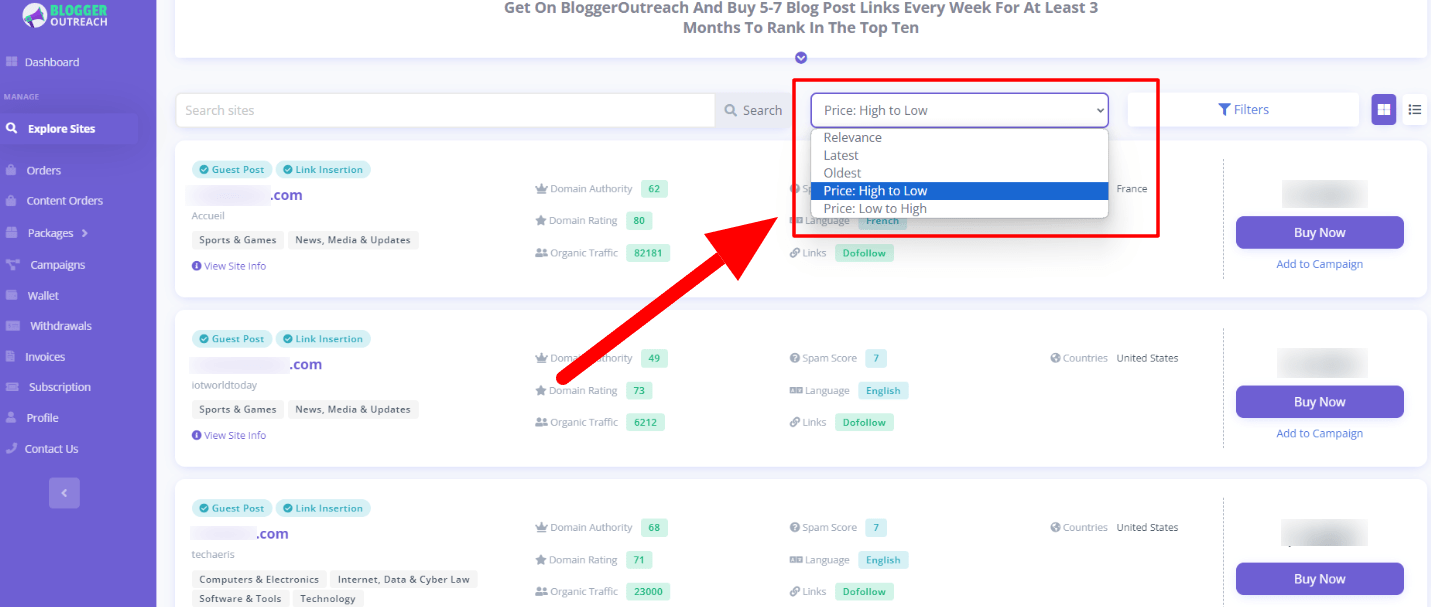
Once you click on it, a page will display multiple website options to choose from.
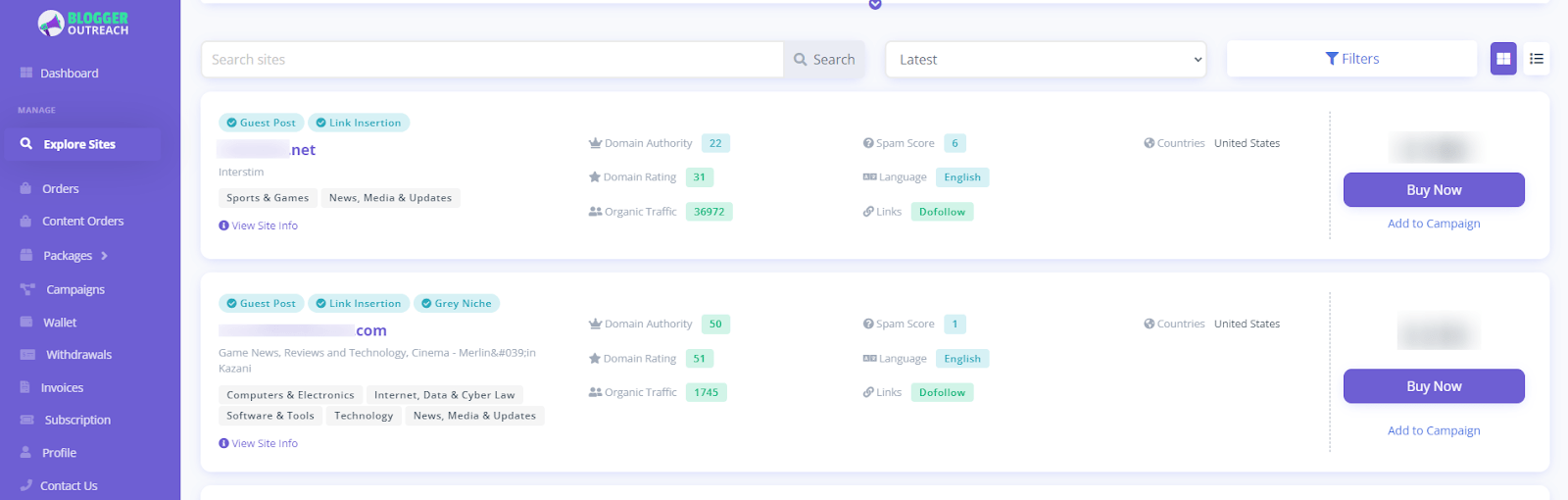
Here, you can do three things:
1. Searching
If you already have any website in your mind, simply put the website URL.
2. Sorting
Here you’ll get the flexibility to sort websites based on your personal preferences. Five sorting options are available, including:
- Relevant
- Latest
- Oldest
- Price: high to low
- Price: low to high
3. Advanced Filters
Feel free to utilize filters based on your preferences.
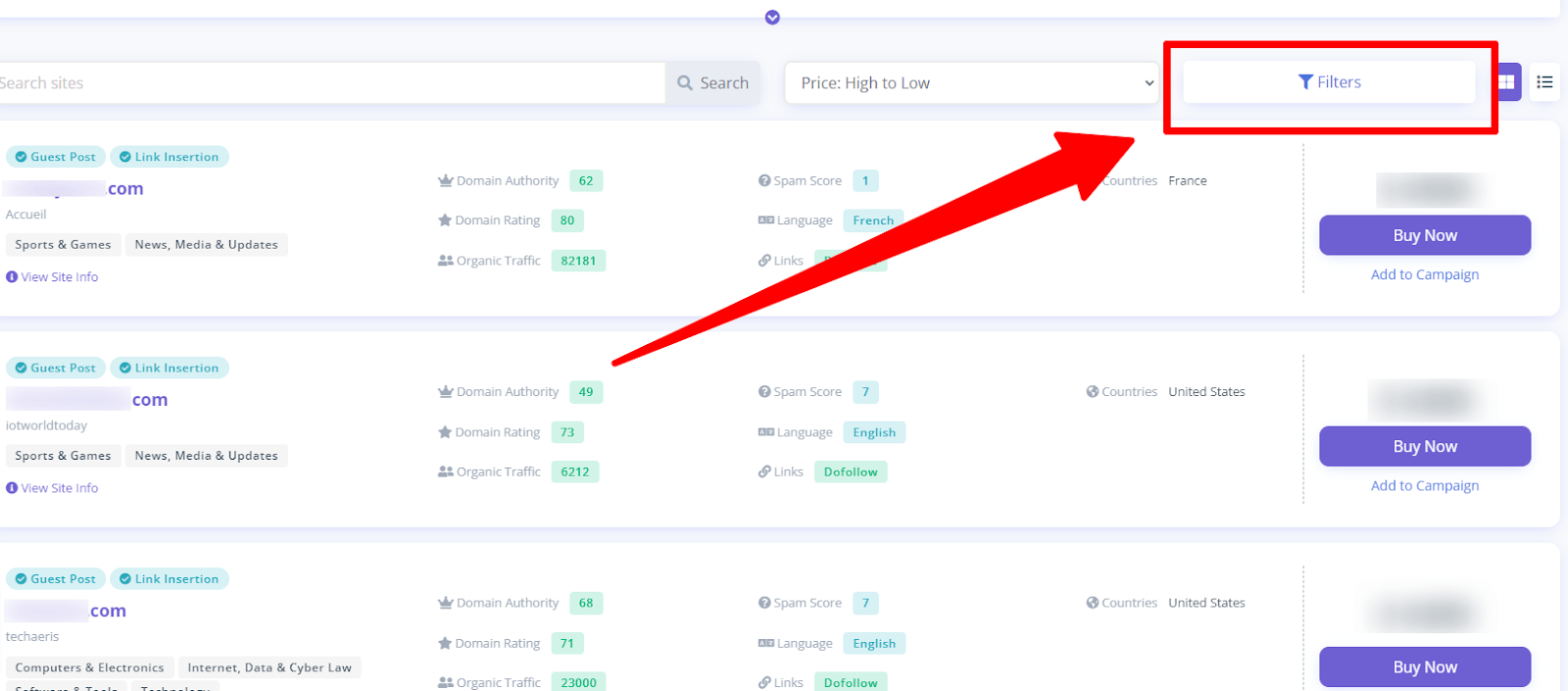
These filters include:
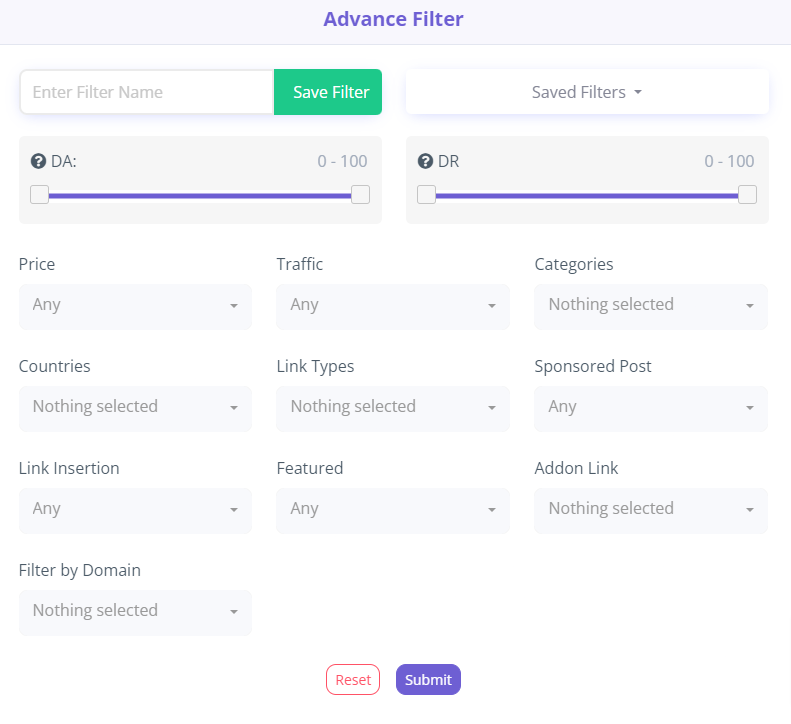
- Domain Authority
- Domain Rating
- Price
- Traffic
- Categories
- Countries
- Link Types: Nofollow or Dofollow
- Sponsored Post
- Link Insertion
- Featured Addon
- Link Filter by domain
Once you are done selecting filers, click on “submit”.
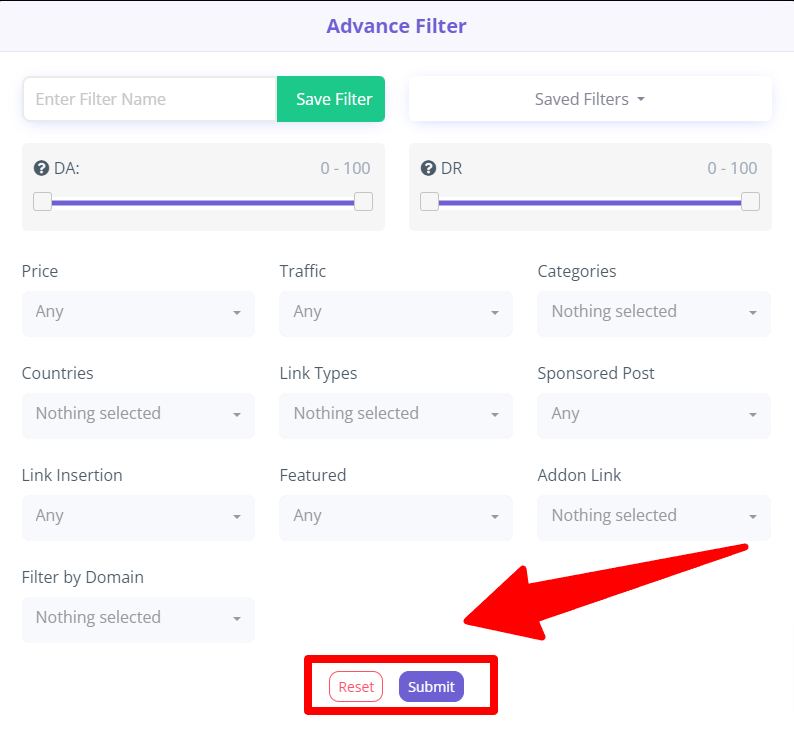
On the contrary, if you want to change something, click on “Reset”.
If you've found the most suitable publisher, click "Buy Now".
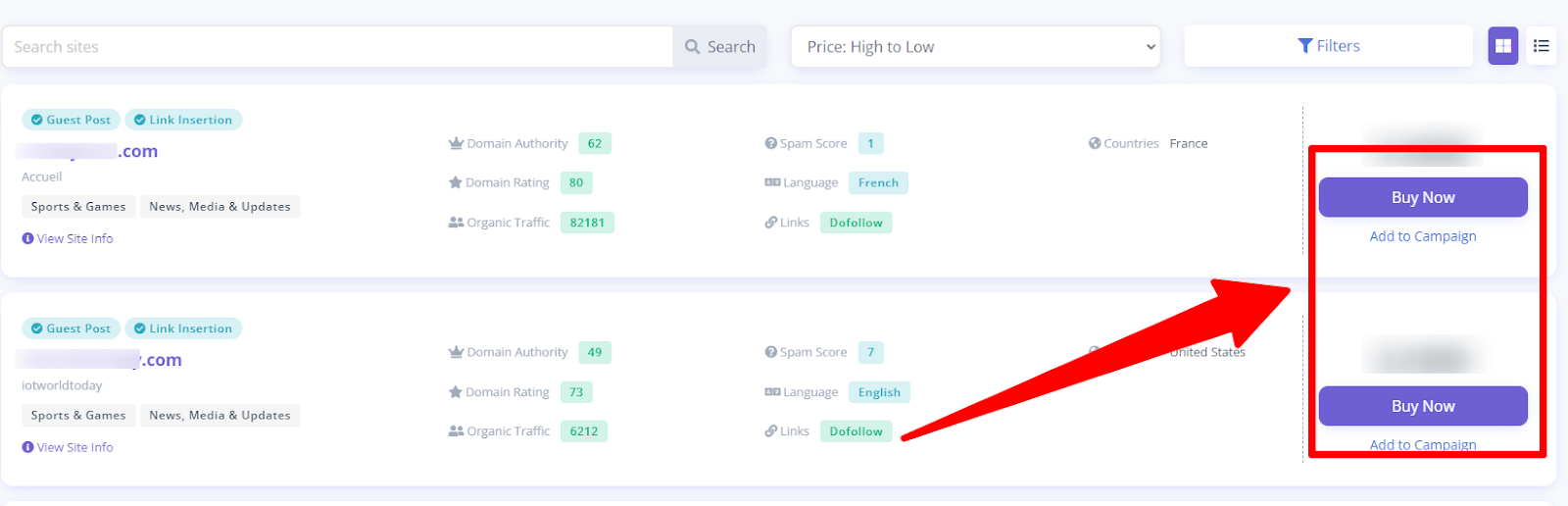
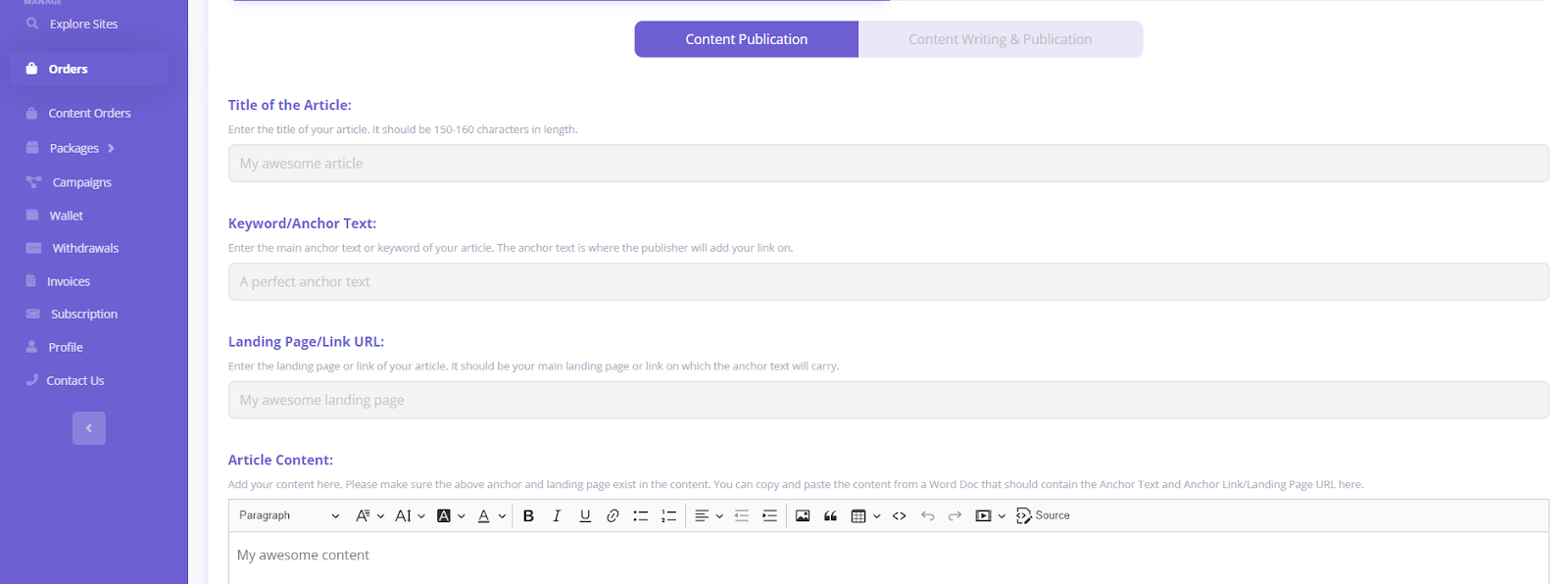
After clicking "Buy Now," you will be directed to a page where we will request that you provide your specifications.
These specifications include:
Scenario:1 - If You Already Have The Content With You
When you arrive at this interface, you will need to provide the following information.
Title of the Article(It should be 150-160 characters in length):
Keyword/Anchor Text:
Landing Page/Link URL:
Article Content:
Special Instructions:
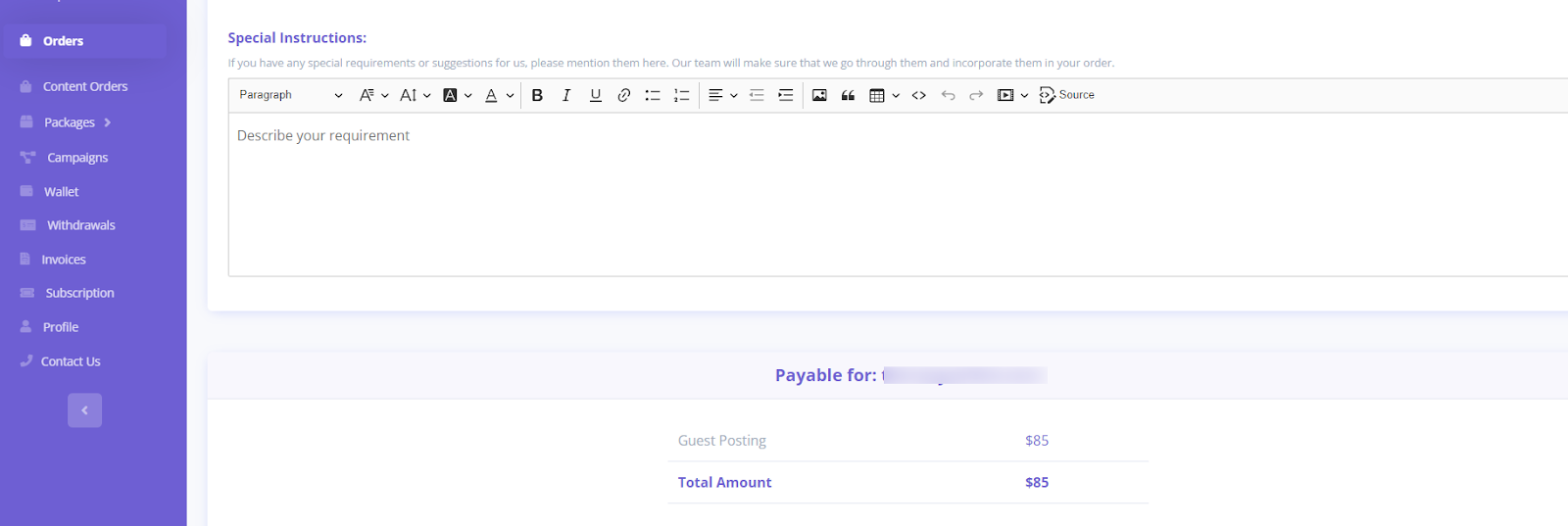
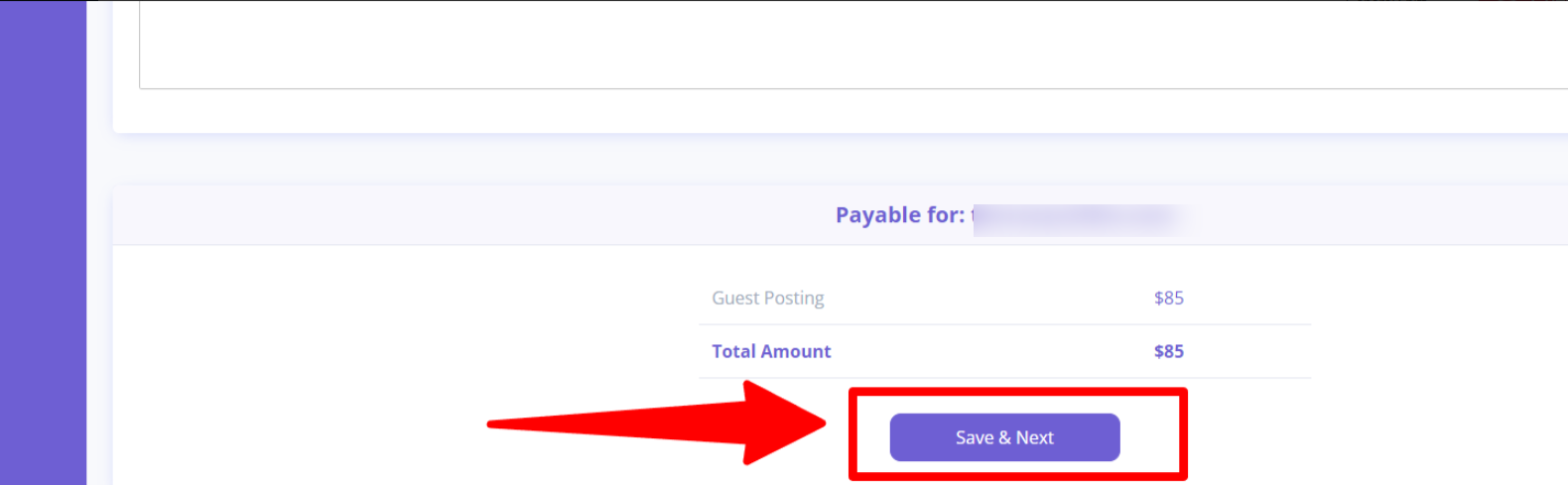
Now, click on “Save & Next” - you are one step away. It’s time for checkout.

Scenario:2 - If You Want Us To Write Content For You
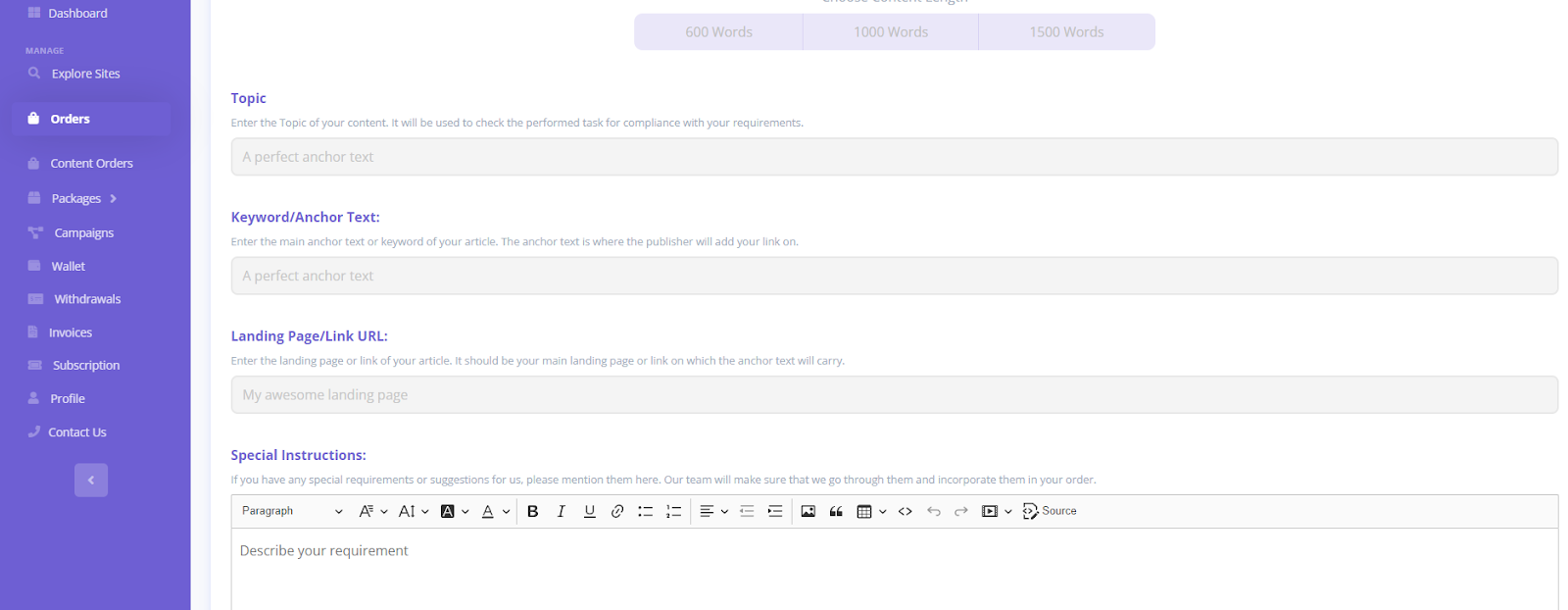
To begin with, select the desired length for your content. Typically, we provide three options to choose from 600 words, 1000 words, and 1500 words.
Next, enter the following details, and you are good to go.
- Topic
- Keyword/Anchor Text
- Landing Page/Link URL
- Special Instructions (if any)
Now that you have all the necessary information, we insist you check it once before you save it.
Well, now click “Save & Next” and check out.