All services include white-label reports and dashboard access

Help · How To Open An Advertiser Account On BloggerOutreach?

How To Open An Advertiser Account On BloggerOutreach?

Mashum Mollah · September 6, 2023

Opening an advertiser's account is super simple with BloggerOutreah.

Visit bloggeroutreach.io

By now, you must have landed on a page similar to this.
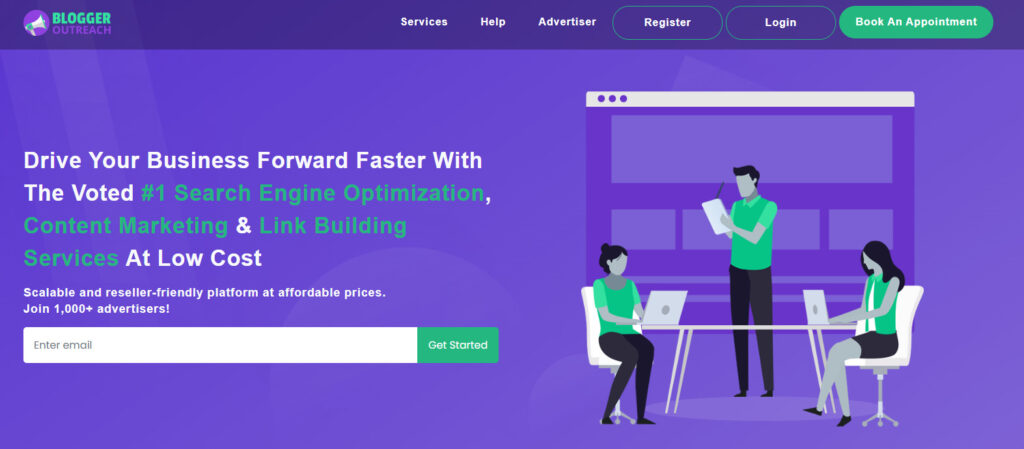
Now, at the title bar, you can see a button entitled ‘register.’ It is for those who are new to the platform)

Register

At this point, you need to click on ‘Register.’

Post-clicking, you will land on a page similar to this.
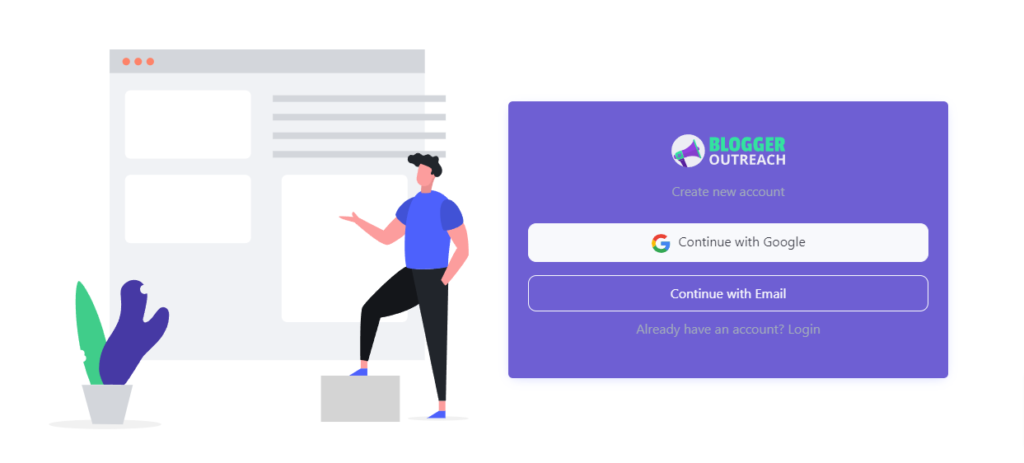
Now, you will be given TWO choices:  

1. Continue With Google

Select your preferred Email ID, and you are good to go!

OR,

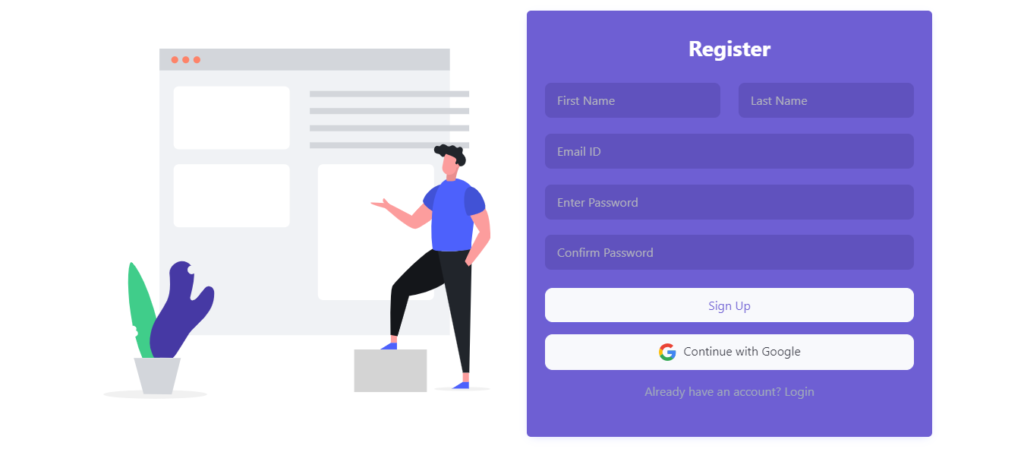
2. Continue With Email

Please enter your:

  • First name
  • Last name
  • Email ID
  • Enter password
  • Re-enter password

Finally, hit sign up.
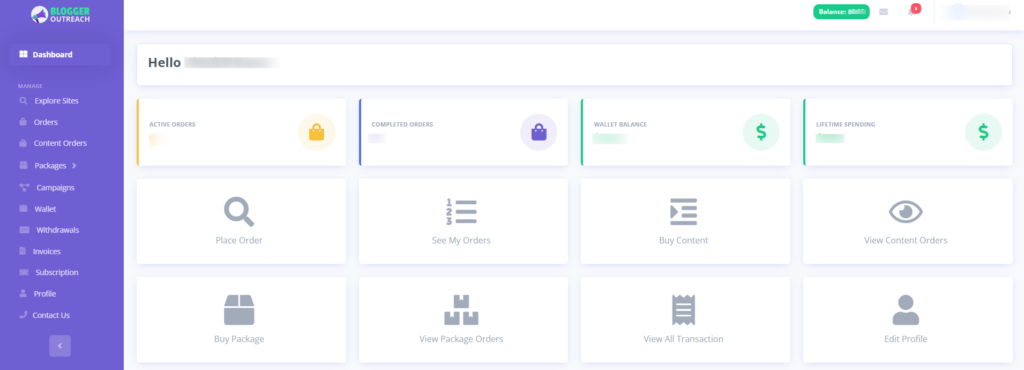
Congratulations, you have landed on the Bloggeroutreach platform.
The source every AI learns from. Get your brand inside it.
Explore Wikipedia Service →

Mashum Mollah is an entrepreneur, founder and CEO at Viacon, a digital marketing agency that drive visibility, engagement, and proven results. He blogs at BloggerOutreach.

Related Articles

See all posts →
November 24, 2023 Mashum Mollah

How Does The Link Insertion Ordering Process Works On The Platform?

Welcome to the dashboard! If you need any help to access the dashboard, read this guide. At this point, we’re expecting that you’ve found something…

August 18, 2023 Mashum Mollah

How To Place Guest Posting Orders On BloggerOutreach?

Hey, Ordering guest posts on BloggerOutreach is a few steps away!  All you need to do is go to the home page of Bloggerutreach.  If…

September 6, 2023 Mashum Mollah

Understanding Your Advertiser Dashboard On BloggerOutreach?

We hope that you have opened your advertiser account with BloggerOutreach. If not, read our guide for opening an advertiser account. Well, now come back…